

Grow Your Business with Cold Email Marketing Campaigns
Grow your business with cold email marketing campaigns. Reach new prospects and generate leads effectively!

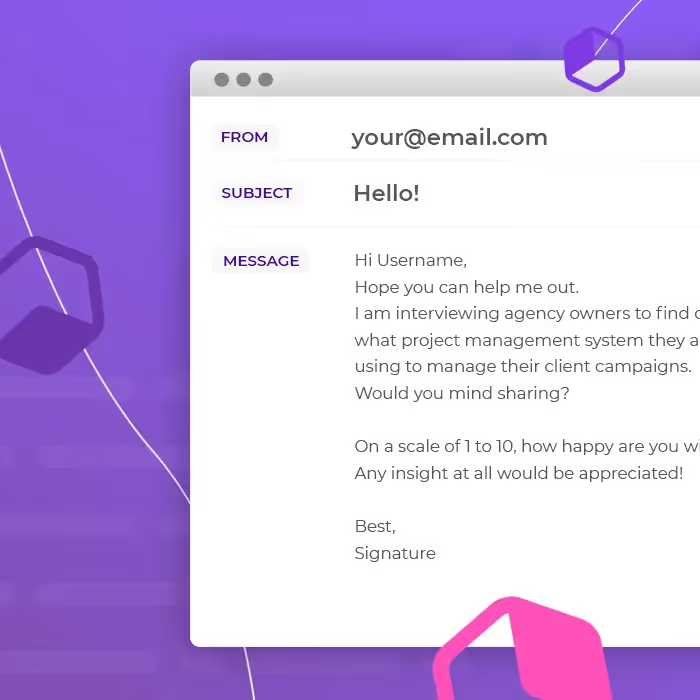
Cold email marketing campaigns can have a lot of benefits for your business: these unsolicited emails are scalable and effective. But if you don't handle them correctly, your cold emails might be marked as spam. Ready to launch your own campaign? Here's what you need to know about how to write a cold email that lands in the recipient's inbox.
What is a cold email marketing campaign?
Cold emails are a type of email marketing that delivers a personalized message to a recipient with the goal of starting a conversation. These messages are different from a bulk email sent to hundreds or thousands of customers; cold emails target a smaller subset of people, generally a lead you've researched and defined as a quality prospect. Cold email campaigns are effective: companies have seen up to 60% response rates and 80% engagement rates. However, if you're going to launch a cold email marketing strategy, it's important to do a little research first on best practices, since these campaigns are sometimes mistaken for spam.
#1. Follow the rules
Play by the book and follow the Federal Trade Commission's rules for sending emails to people you don't know: don't include false information in your "from" line, don't use misleading subject lines, identify the message as an ad, include your physical address (or a P.O. box), explain how to unsubscribe, honor unsubscribe requests promptly, and remember you're still legally responsible even if another company handles your email marketing.
#2. Decide on your email address and "from" line
Many businesses choose to create a new email address to send cold emails, since cold email marketing takes some trial and error and could put your current domain's reputation at risk. Test a few different "from" lines, like your company's name, publication name, or a person's name, to see which works best.
#3. Personalize your emails
Personalization is an effective strategy for any email campaign, but it's especially essential for cold emails, helping differentiate them from spam. Personalization matters to the vast majority of decision makers, and campaigns without it get a mere fraction of the reply rate. Use the recipient's first name and find other ways to make a personal connection, like referencing their location or a mutual connection.
#4. Use plain text
Cold emails are typically plain text, not HTML. Plain text emails are just text on a page and are far less likely than HTML emails to be identified as spam, perform well on mobile devices, load more quickly, and feel more personal because they look like emails from a friend.
#5. Cold email subject lines
Your subject lines should be personalized and clearly explain what's in the email. Keep them short and conversational, and using the word "your" or asking a question can make people curious enough to open.
#6. How to write a cold email
Make a personal connection, explain what the email is about, and end with a call to action inviting the recipient to chat further. Be clear about what's in it for the reader, ask for a simple response, and make sure your email signature includes all your relevant information.
#7. Remember to follow up
Don't forget to follow up on your cold emails. Campaigns with 4-7 emails per sequence received three times more responses than campaigns with only 1-3 emails. Send follow-ups several days apart so they don't seem spammy, and if your process is automated, remember to cut it off once you get a response.
Wrap-up: Cold email marketing
After you successfully connect with a plain text cold email, you'll probably want to create future emails for your audience with more HTML design elements. Cold emails have huge potential when they're done the right way!
Articles to wet your whistle




.png)
Subscribe to our newsletter.
Dive into the world of unmatched copywriting mastery, handpicked articles, and insider tips & tricks that elevate your writing game. Subscribe now for your weekly dose of inspiration and expertise.